6.4. Yahoo
Important
You should have Sign In with Yahoo using the links below:
- General Users: Open SQEE PWA (General Users)
- QTFT Users (Thailand): Open SQEE PWA (QTFT Users)
Open the corresponding application based on your user group. If you are unsure which application to use, contact your organization’s SafeQuard administrator.
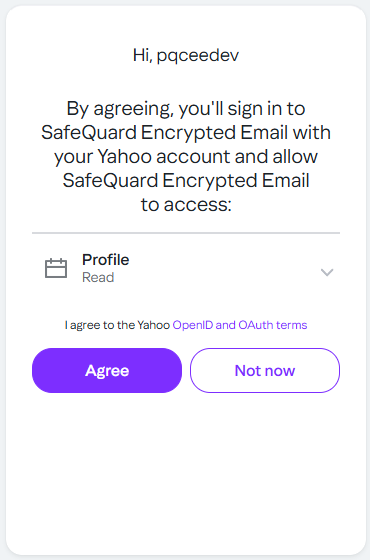
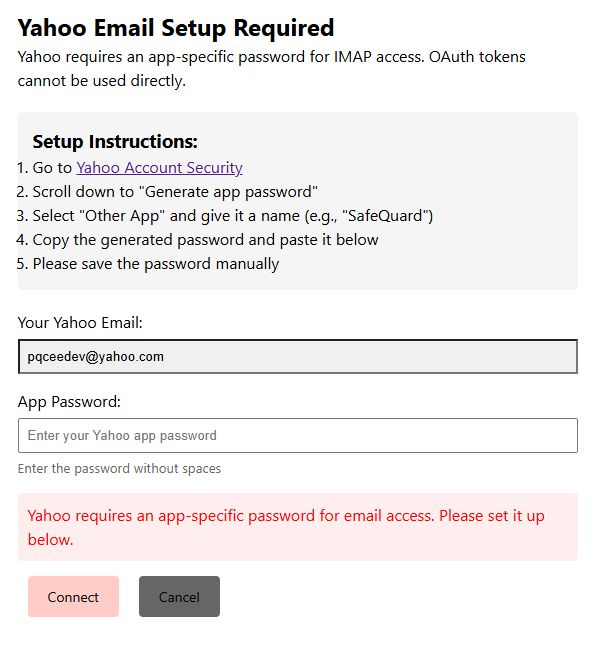
6.4.1. Yahoo Authentication and Permissions.
|
|
Tip
Permissions consent will be requested for first time user.
Follow the Yahoo App Password generation steps to generate an App Password for ProgressiveWebApp.
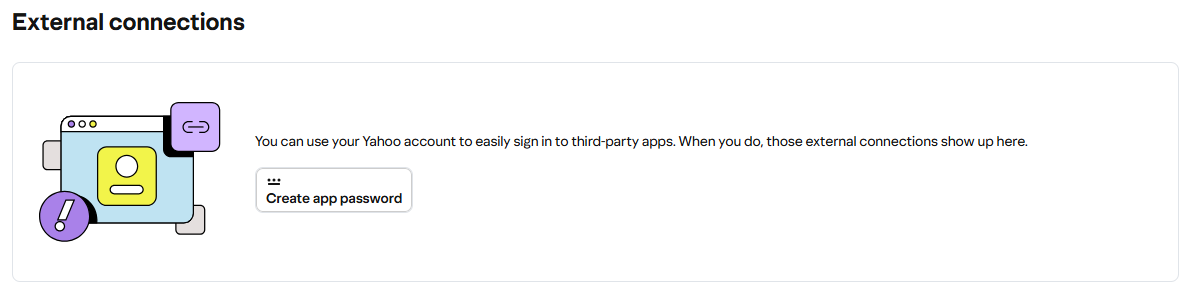
To completely remove the ProgressiveWebApp permissions for Yahoo, refer to the Yahoo Help Center.
6.4.2. Dropdown filtering of SafeQuard encrypted emails (Time)
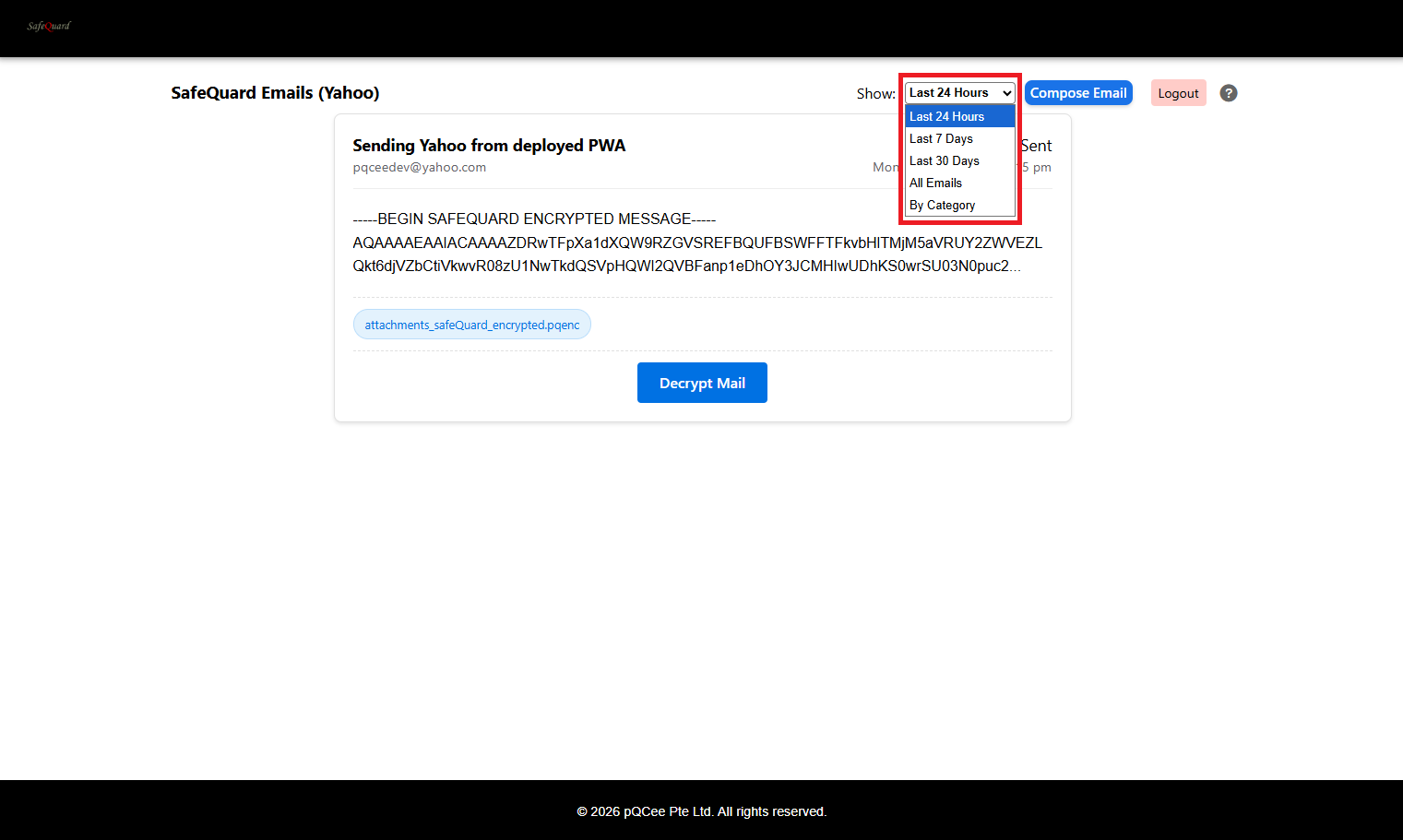
6.4.3. Dropdown for SafeQuard encrypted emails retrieval
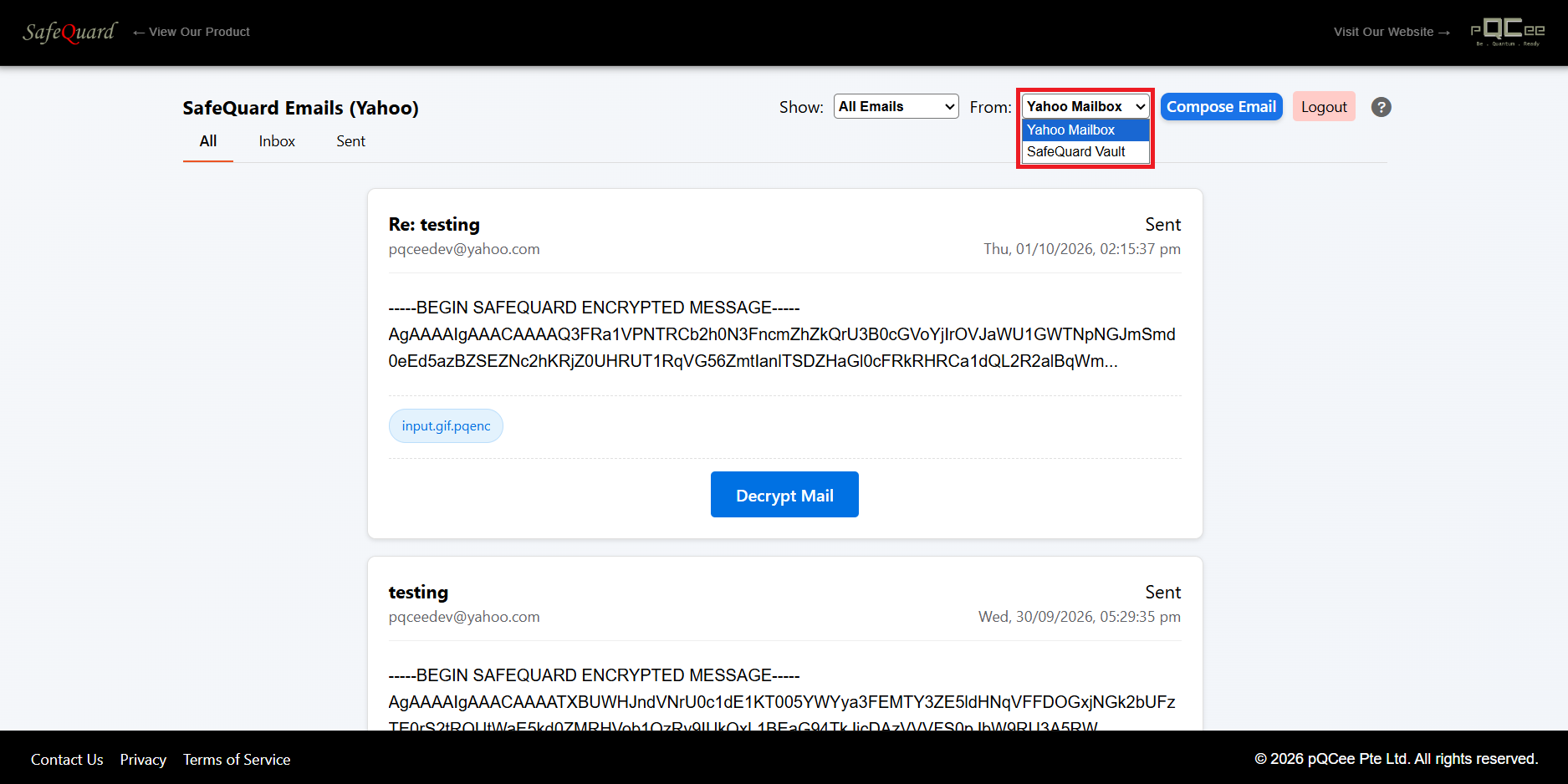
Note
Yahoo Mailbox: This option retrieves emails from the user’s Yahoo mailbox.
SafeQuard Vault: This option retrieves emails from the SafeQuard Vault, which is a secure storage for encrypted emails. (Independent from user’s Yahoo mailbox)
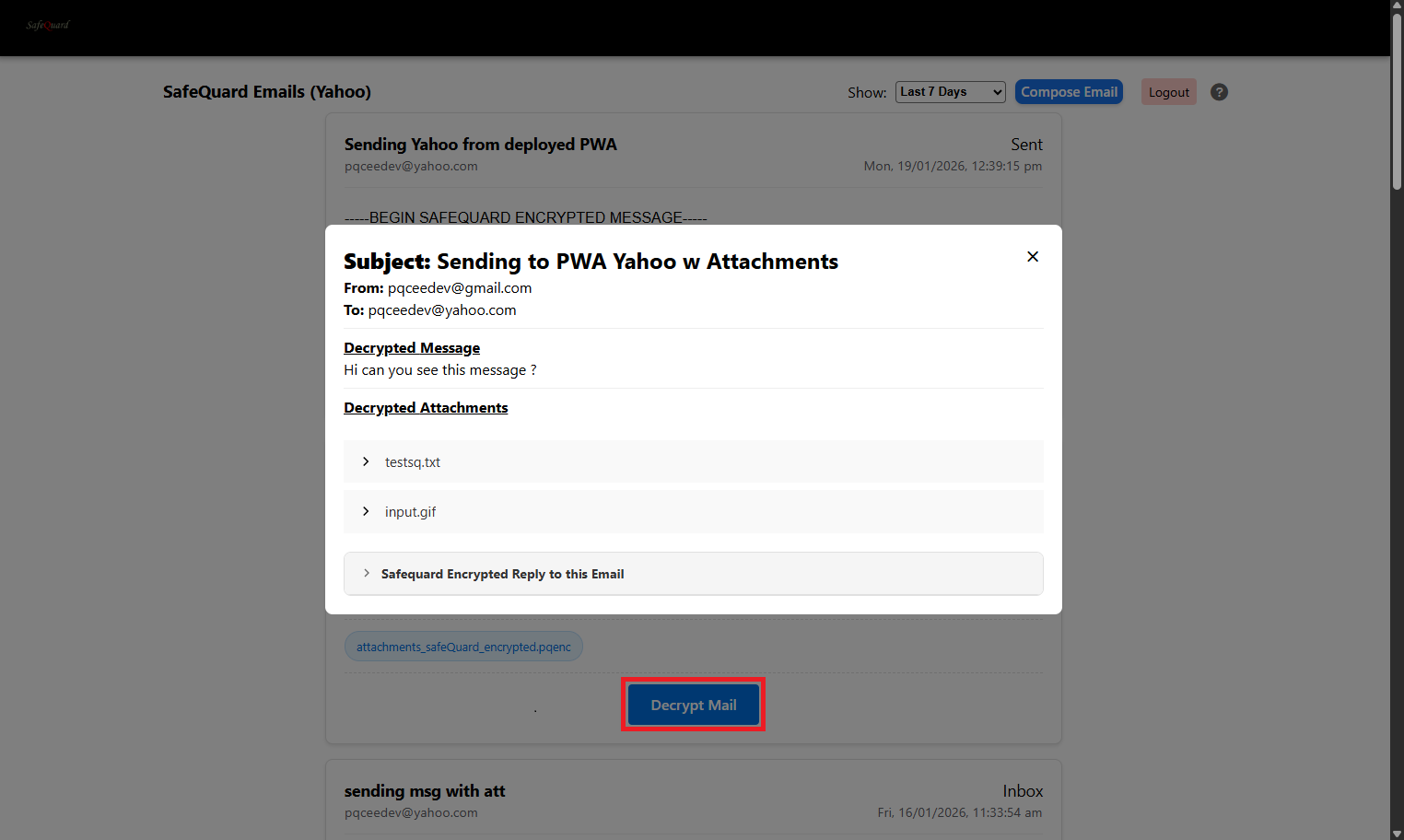
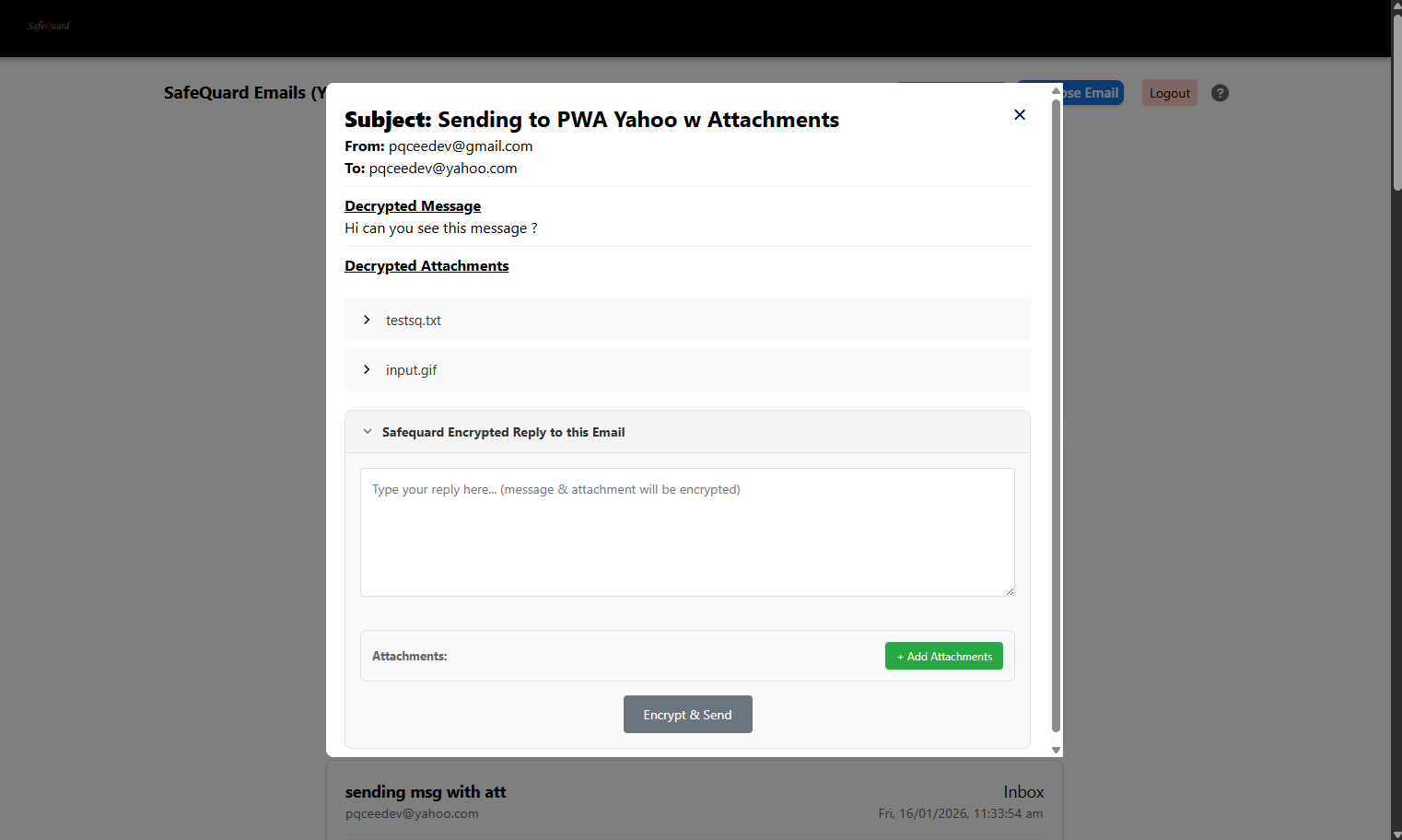
6.4.4. Decrypt and View Email
Click on the “Decrypt Mail” button to view email content.
6.4.6. Compose New Encrypted Email
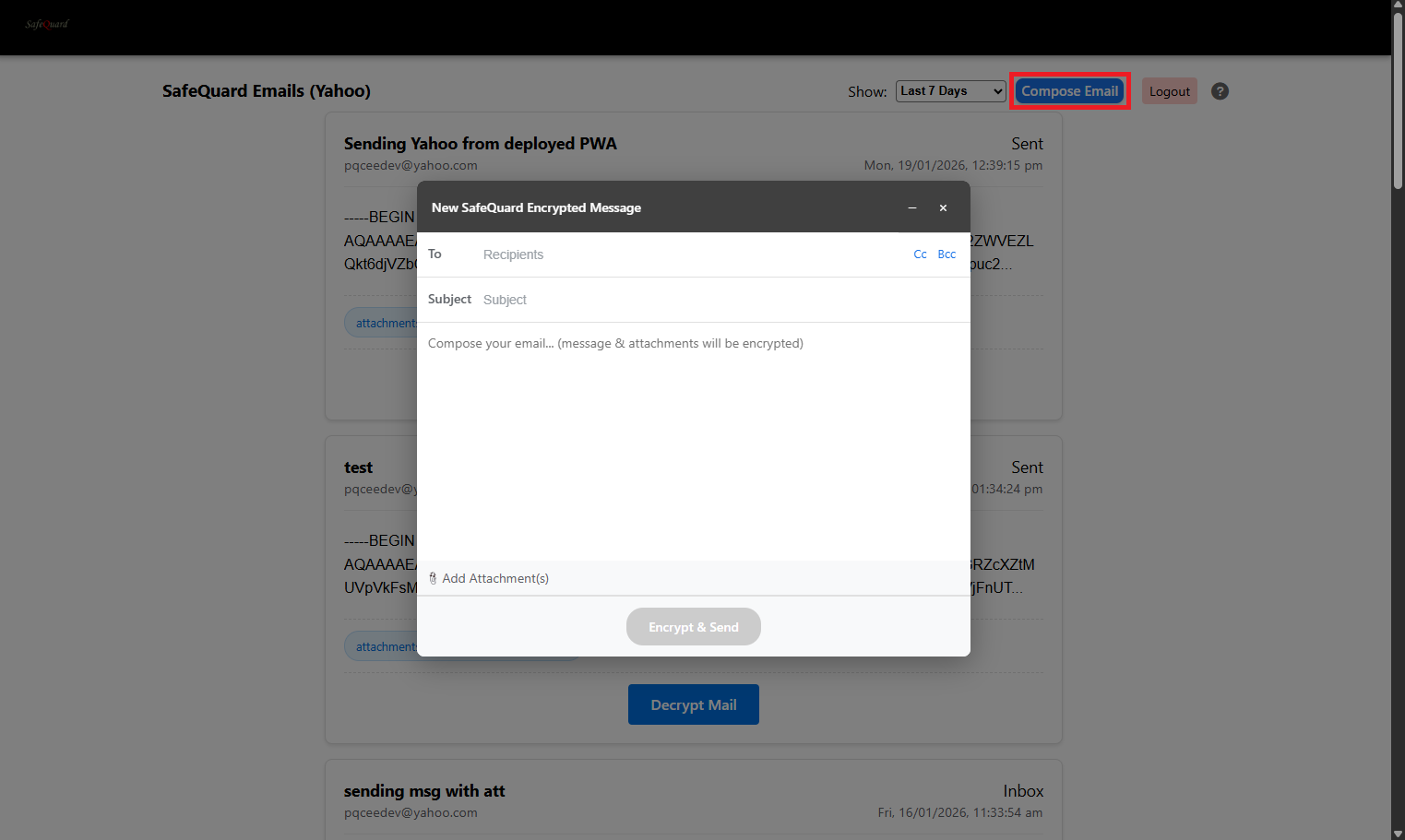
Click on the “Compose Email” button at the top right corner. (If it’s grey out, sent permissions is not given)
Note
The checkbox will send a copy of the email to our secure SafeQuard Vault storage.
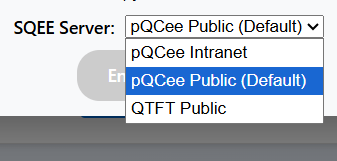
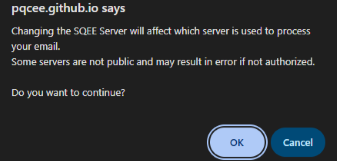
SQEE Server selection Dropdown should only be used for users with multiple SQEE servers configured.