6.5. SQEE Email Sign In
Important
You should have Sign In with Email using the links below:
- General Users: Open SQEE PWA (General Users)
- QTFT Users (Thailand): Open SQEE PWA (QTFT Users)
Open the corresponding application based on your user group. If you are unsure which application to use, contact your organization’s SafeQuard administrator.
Warning
This Sign In method only retrieves email from SafeQuard Secure Vault. User’s actual email mailboxes will not be accessed.
Note
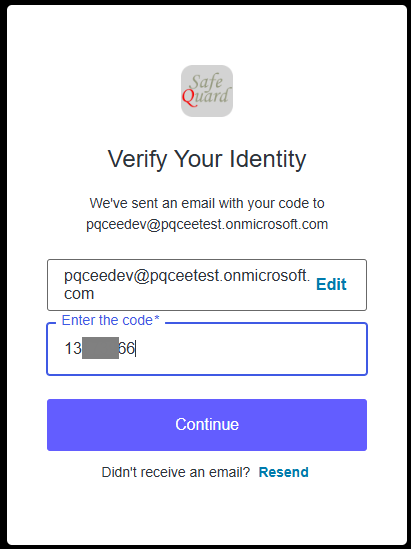
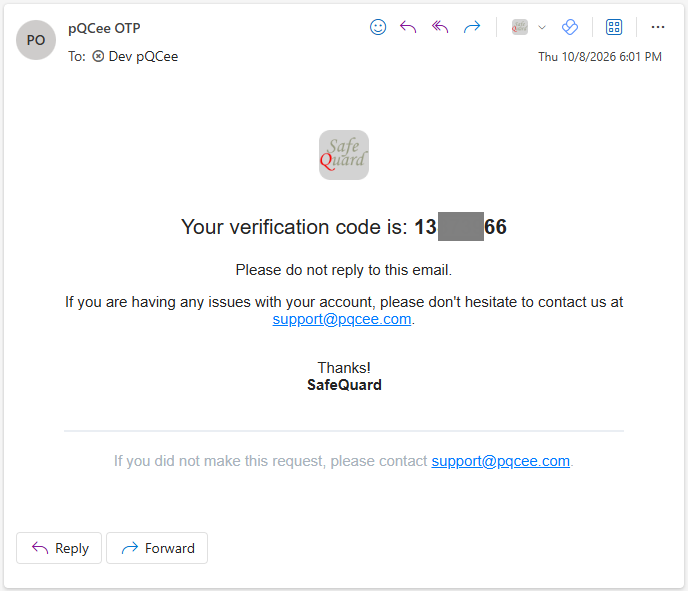
Passordless Email Sign In sends a 8 digit On Time Password to the user’s email for signing in.
6.5.1. Logging In
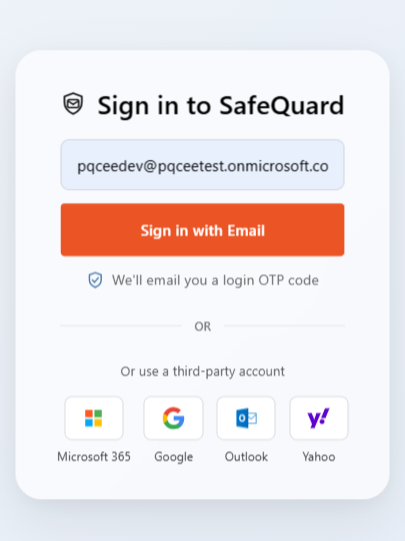
Enter your email addess into the input box and click Sign in with Email button
Important
The One Time Password will be sent to your email inbox (Check your spam folder as well)
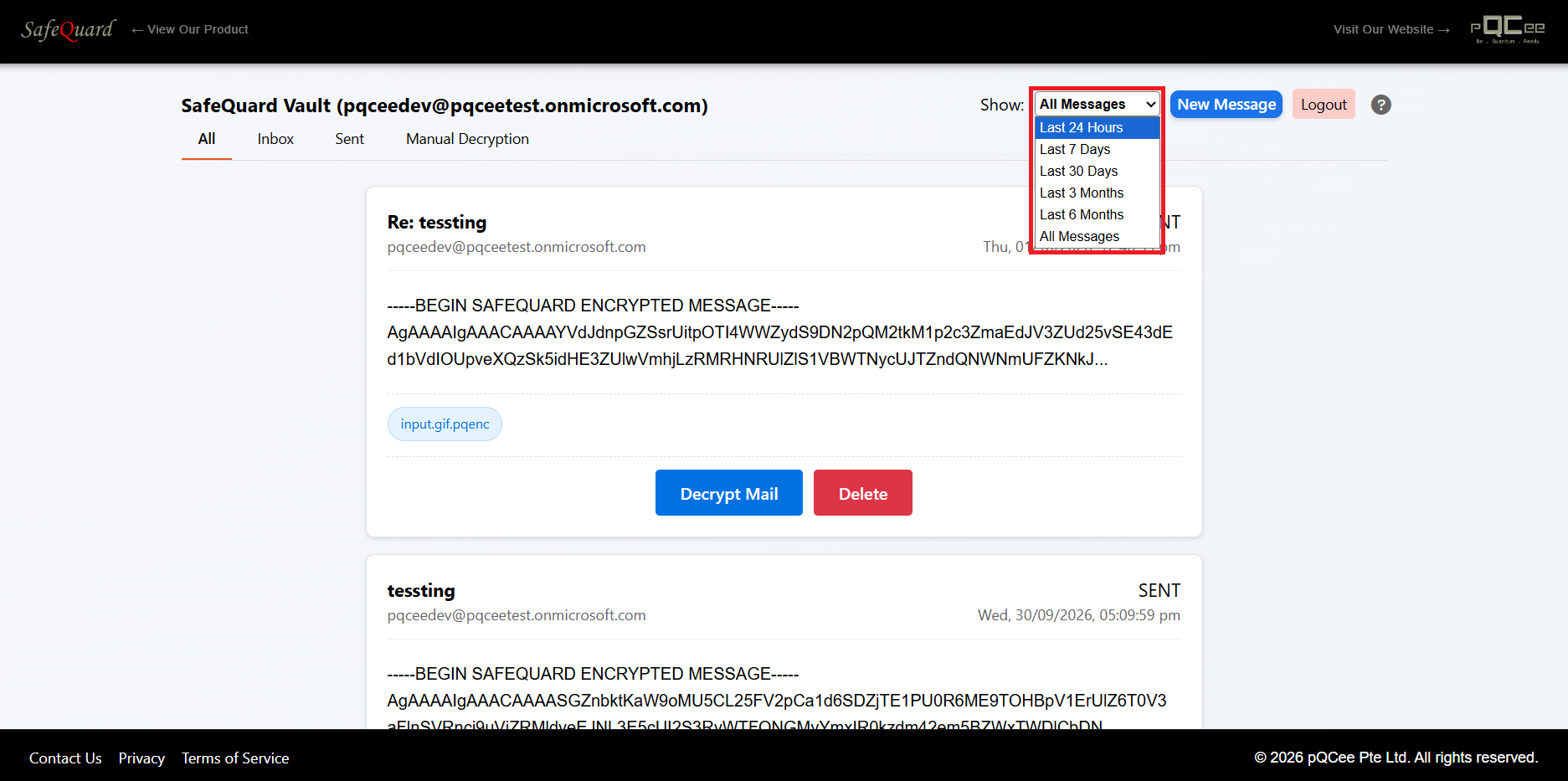
6.5.2. Dropdown filtering of SafeQuard encrypted emails
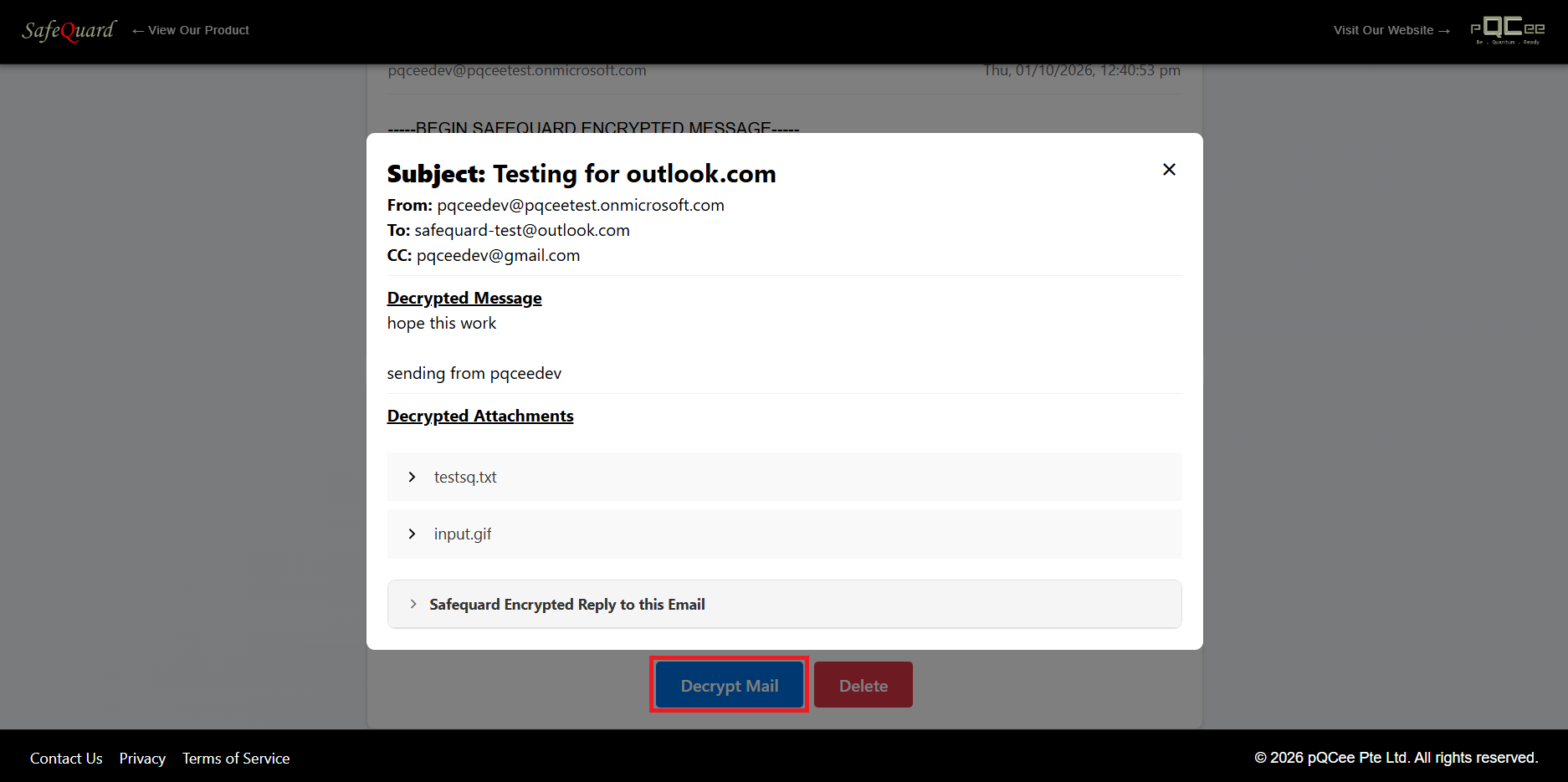
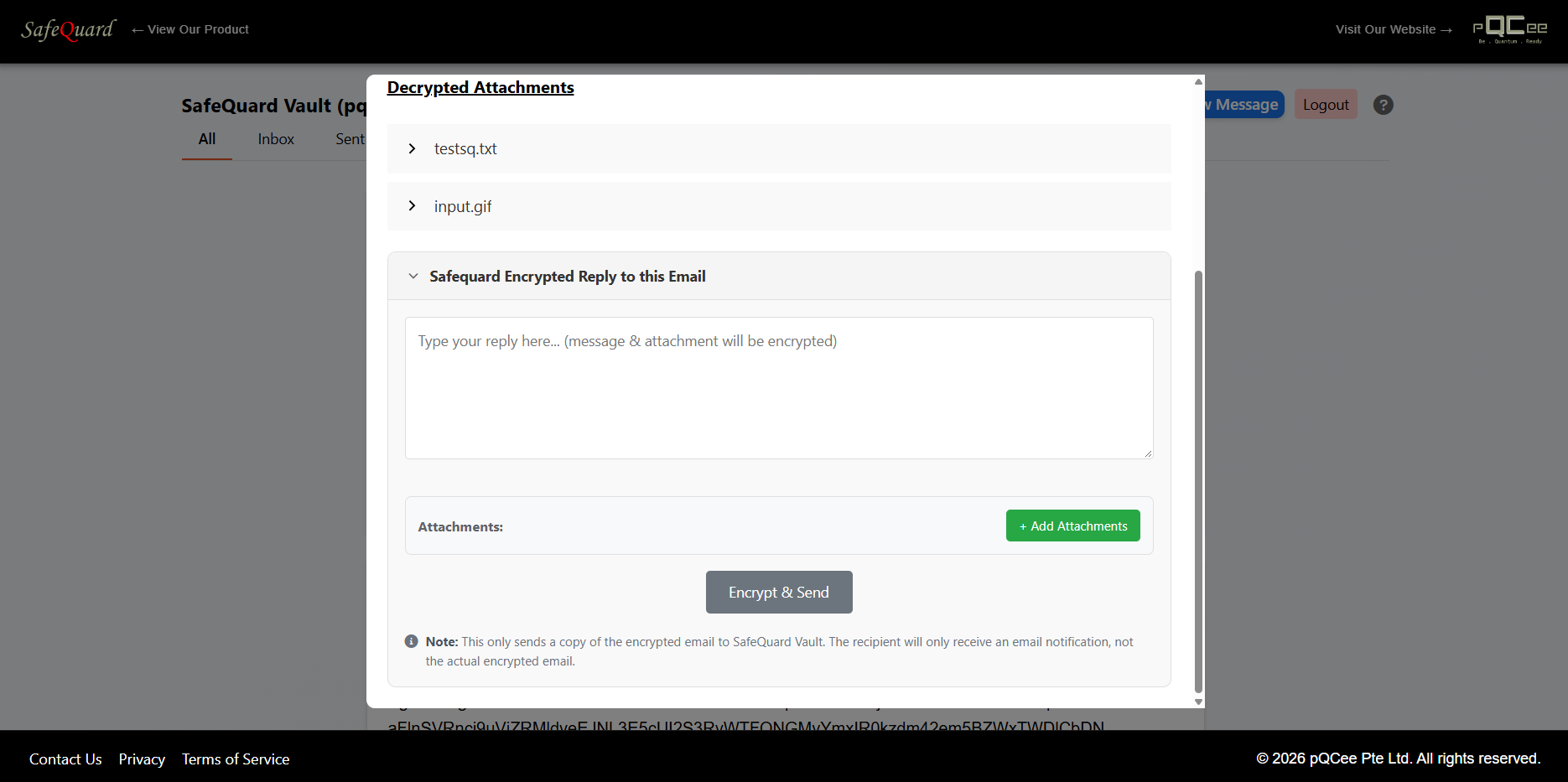
6.5.3. Decrypt and View Email
Click on the “Decrypt Mail” button to view email content.
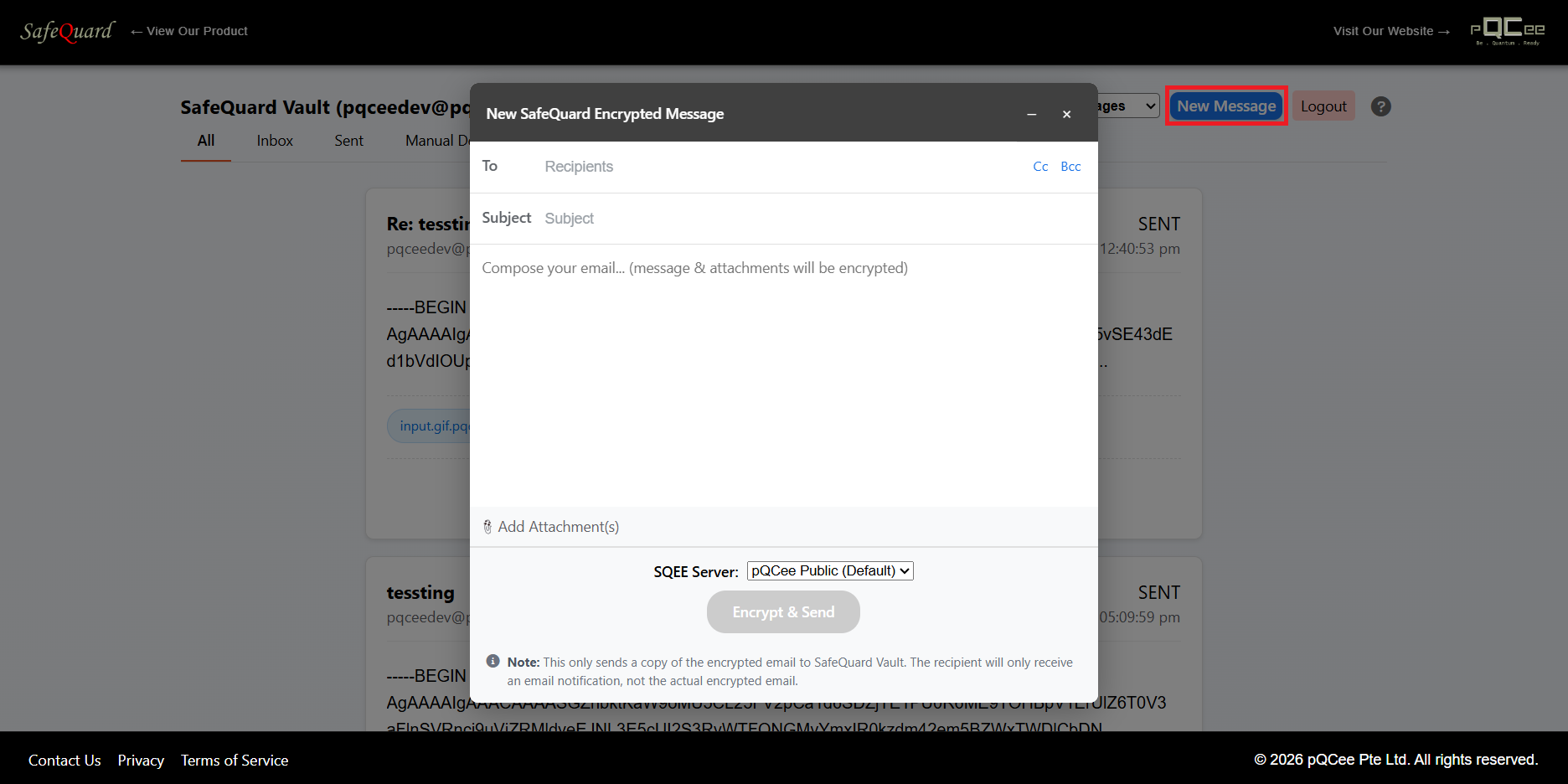
6.5.5. Compose New Encrypted Email
Click on the “Compose Email” button at the top right corner. (If it’s grey out, sent permissions is not given)
Note
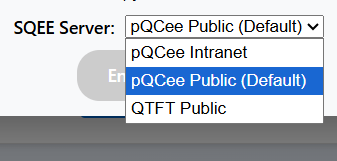
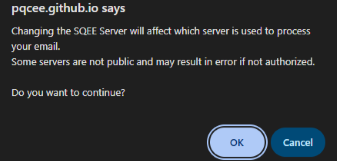
SQEE Server selection Dropdown should only be used for users with multiple SQEE servers configured.