6. Using SafeQuard WebApp Solution
Note
Currently WebApp has limited features. This could be use on mobile and tablet devices as well.
SafeQuard provides a Progressive Web App (PWA) for accessing its email encryption and decryption features.
Choose the appropriate application based on your user group:
- General Users: Open SQEE PWA (General Users)
- QTFT Users (Thailand): Open SQEE PWA (QTFT Users)
Open the corresponding application based on your user group. If you are unsure which application to use, contact your organization’s SafeQuard administrator.
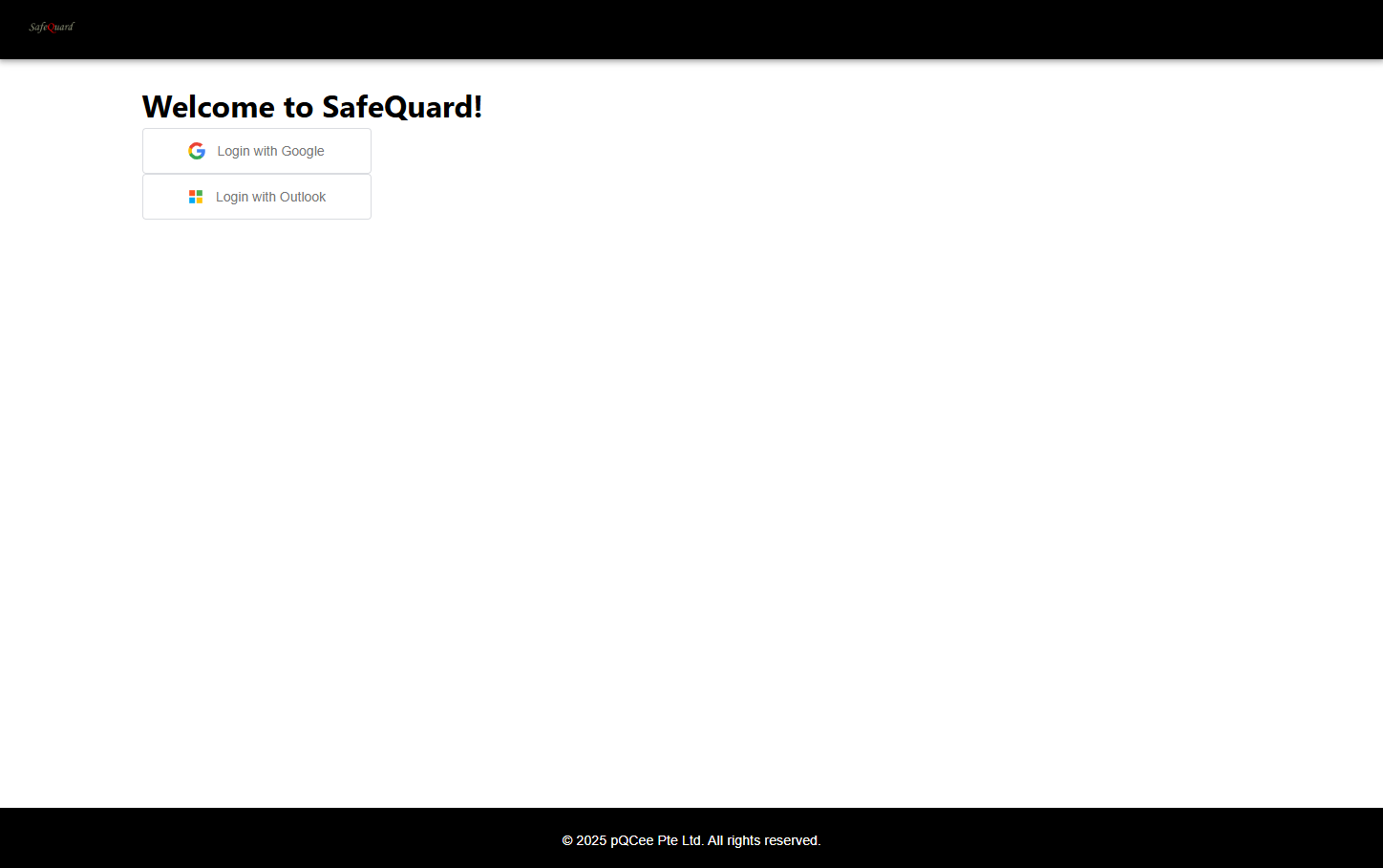
Table of Contents
- 6.1. Microsoft 365
- 6.1.1. Microsoft Authentication and Permissions.
- 6.1.2. Dropdown filtering of SafeQuard encrypted emails
- 6.1.3. Select “By Category” to view categorised emails
- 6.1.4. Dropdown for SafeQuard encrypted emails retrieval
- 6.1.5. Decrypt and View Email
- 6.1.6. Reply Encrypted Email
- 6.1.7. Compose New Encrypted Email
- 6.1.8. Filtering Specific Emails
- 6.2. Gmail
- 6.2.1. Google Authentication and Permissions.
- 6.2.2. Dropdown filtering of SafeQuard encrypted emails (Time)
- 6.2.3. Select “By Label” to view labelled emails
- 6.2.4. Dropdown for SafeQuard encrypted emails retrieval
- 6.2.5. Decrypt and View Email
- 6.2.6. Reply Encrypted Email
- 6.2.7. Compose New Encrypted Email
- 6.2.8. Filtering Specific Emails
- 6.3. Outlook Consumer
- 6.4. Yahoo
- 6.5. SQEE Email Sign In