6.1. Microsoft 365
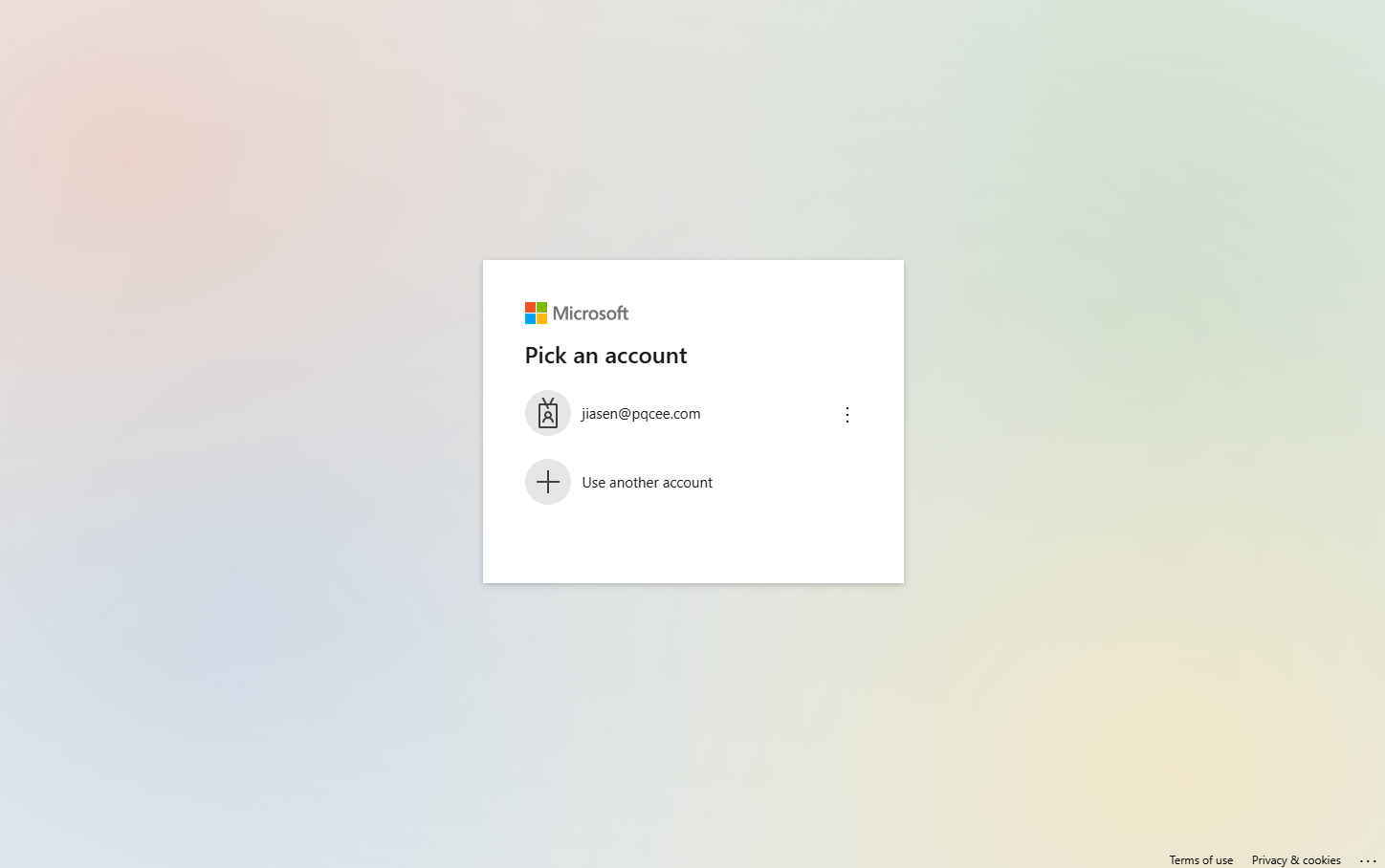
6.1.1. Microsoft Authentication and Permissions.
Tip
Permissions consent will be requested for first time user.


To completely remove the ProgressiveWebApp permissions for Outlook, refer to the Microsoft documentation.
6.1.2. Dropdown filtering of SafeQuard encrypted emails
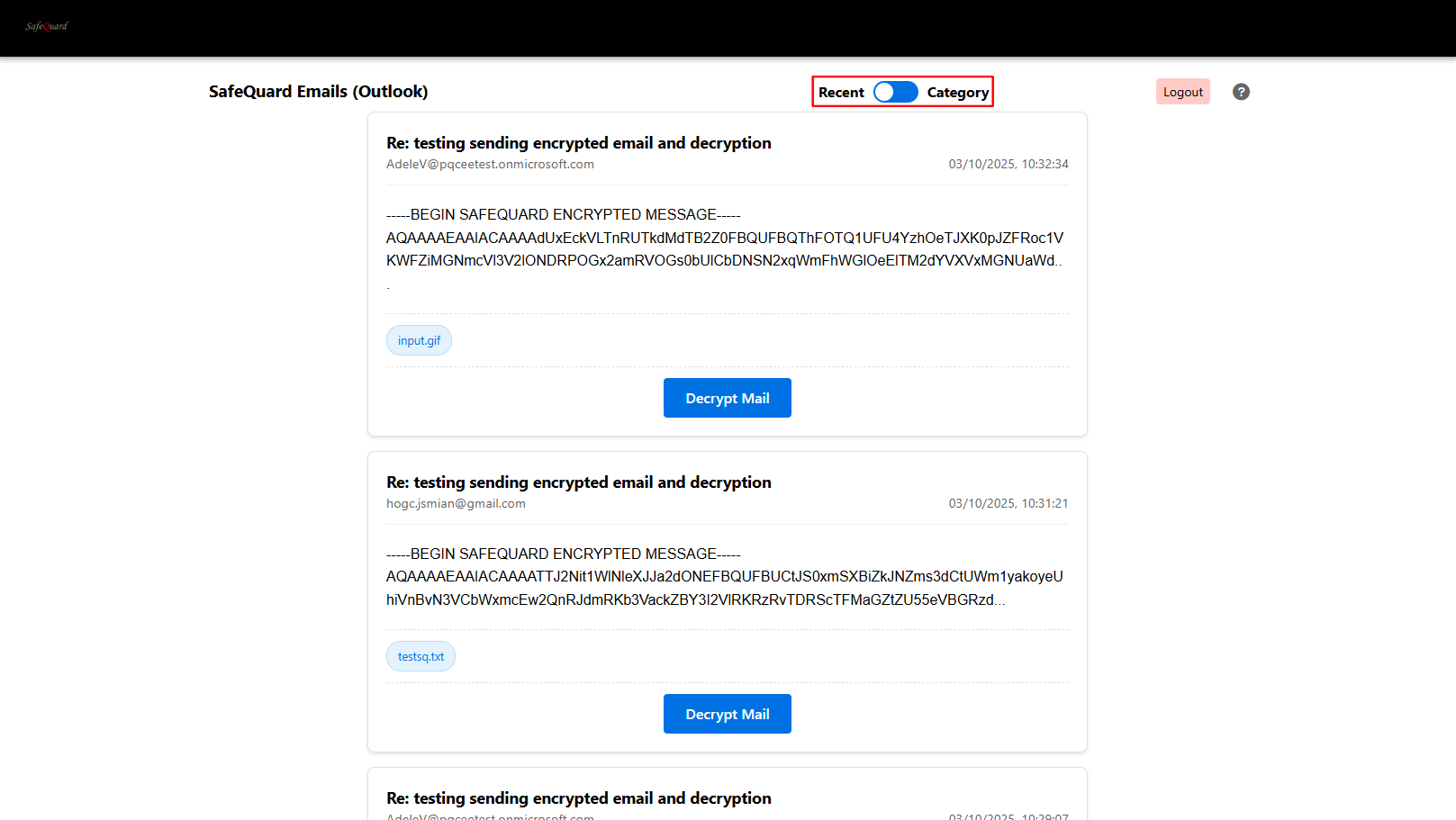
6.1.3. Select “By Category” to view categorised emails
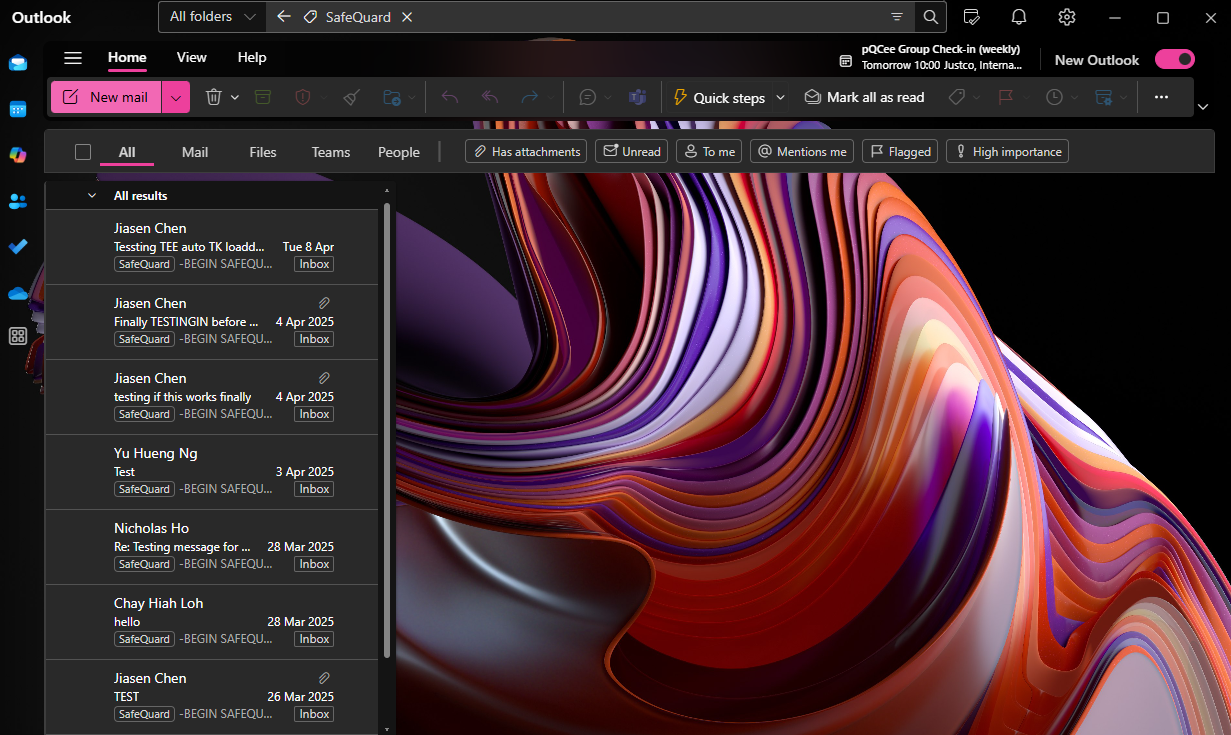
Refer to Add Outlook Category section below to select specific emails to decrypt.
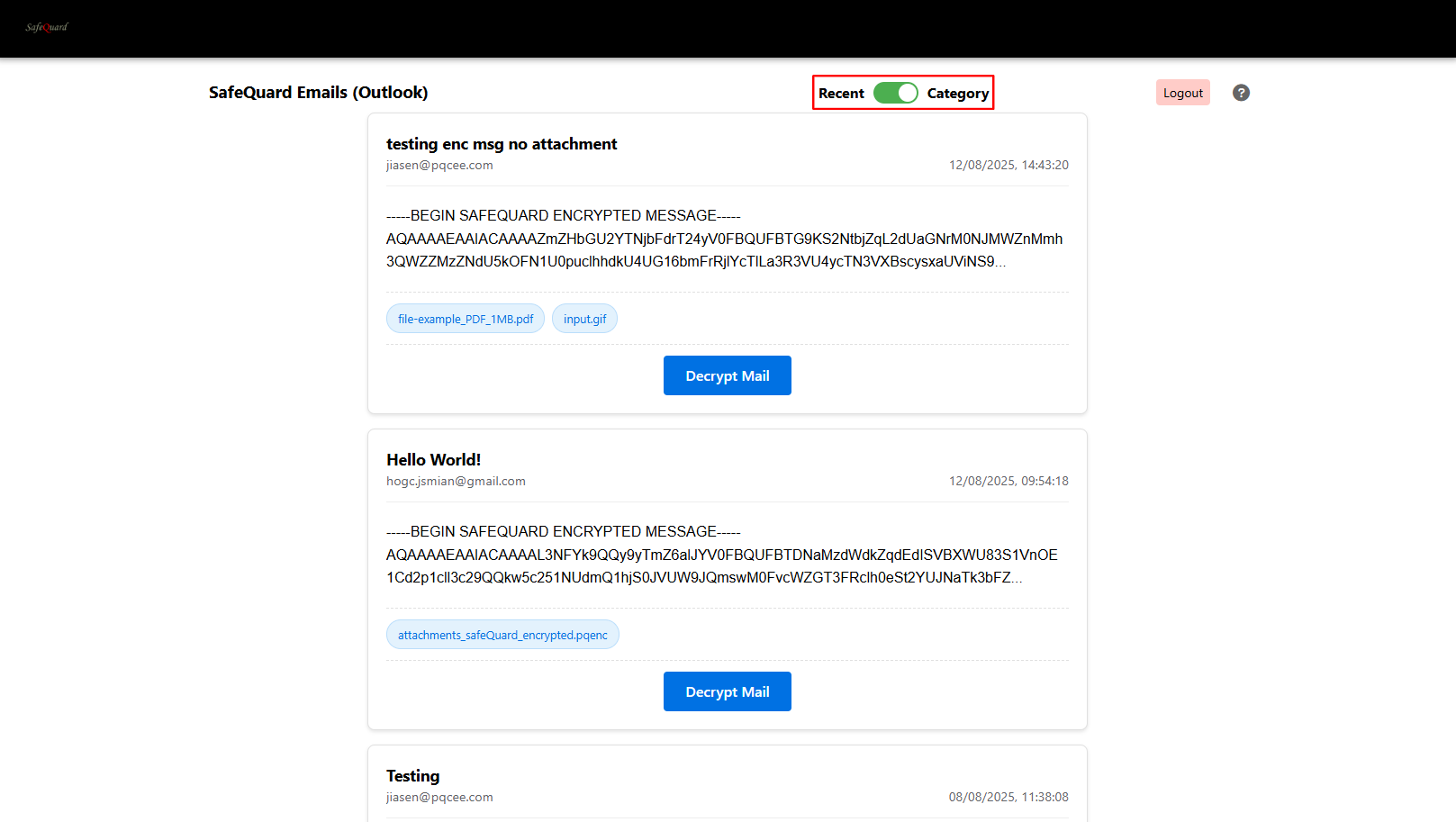
6.1.4. Decrypt and View Email
Click on the “Decrypt Mail” button to view email content.
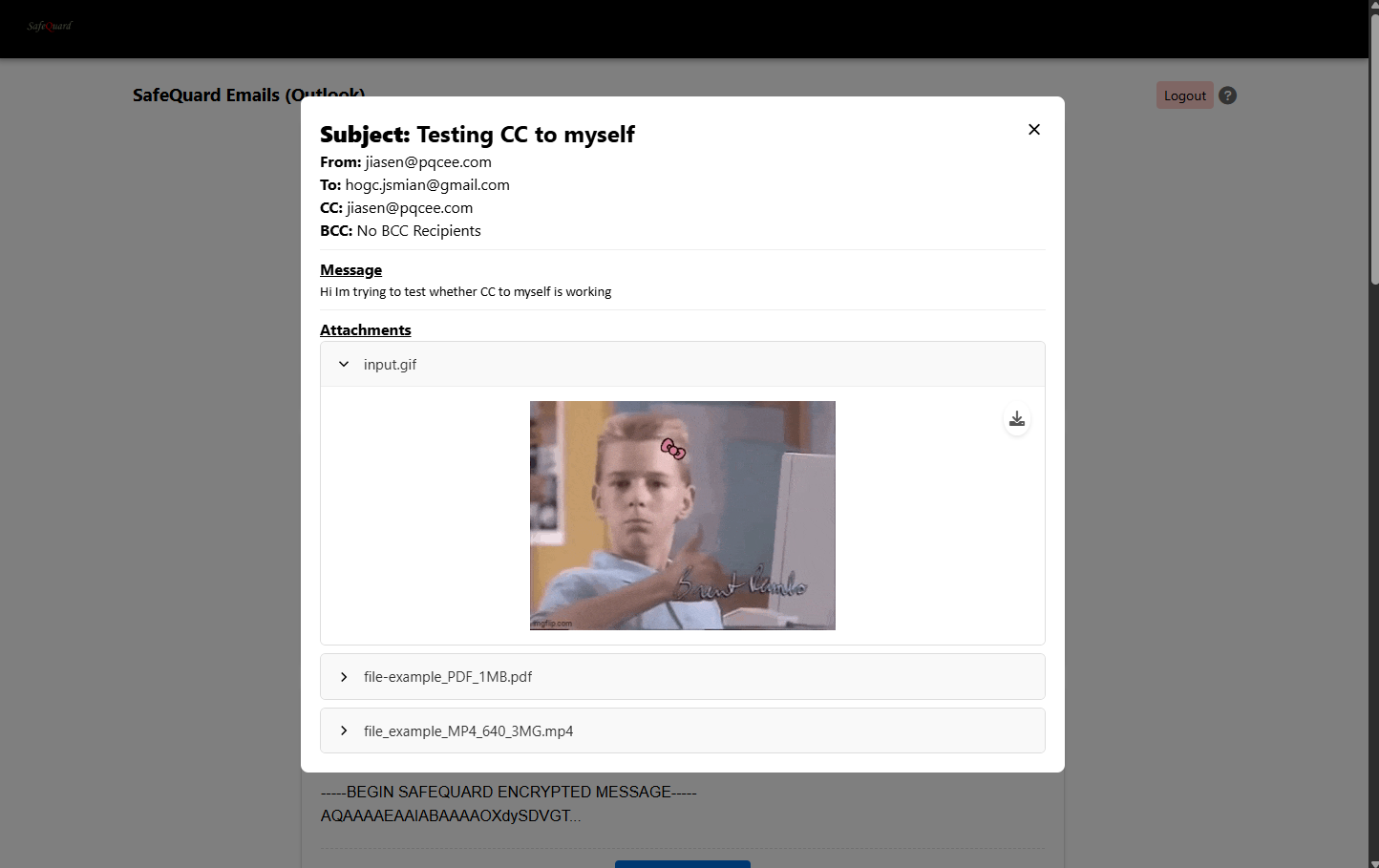
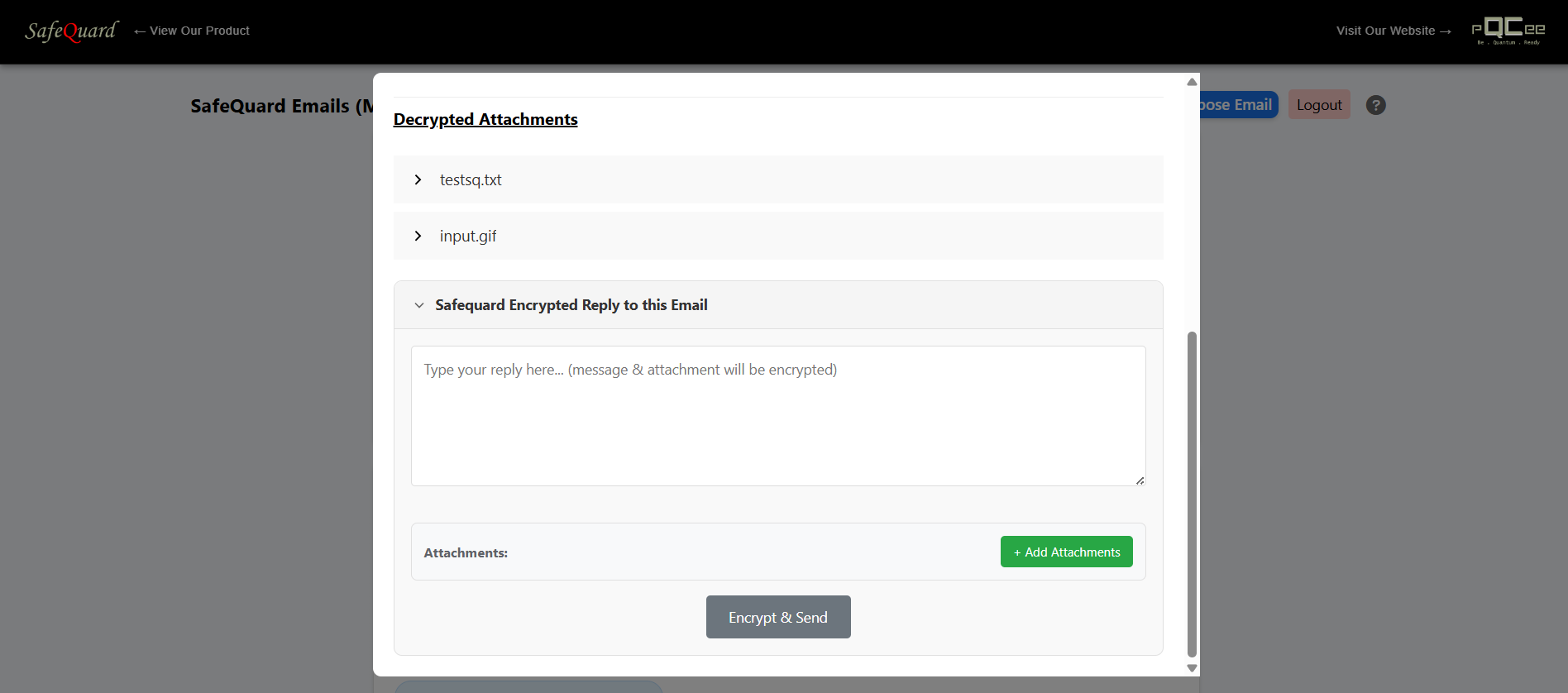
Attention
Sending is not implement for Outlook yet
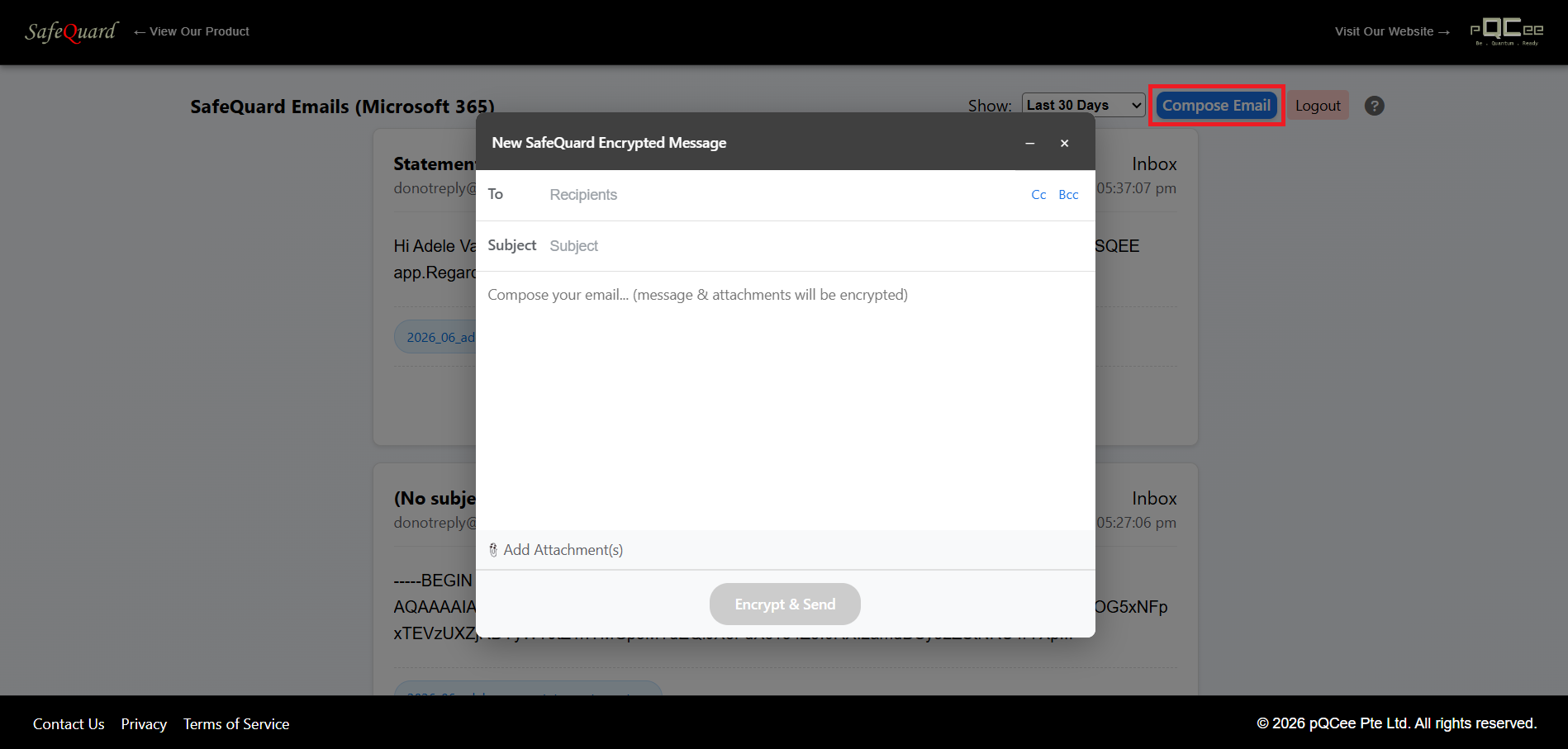
6.1.6. Compose New Encrypted Email
Click on the “Compose Now” button at the top right corner. (If it’s grey out, sent permissions is not given)
6.1.7. Filtering Specific Emails
Do the following for your account to filter the emails to be decrypted in the WepApp.
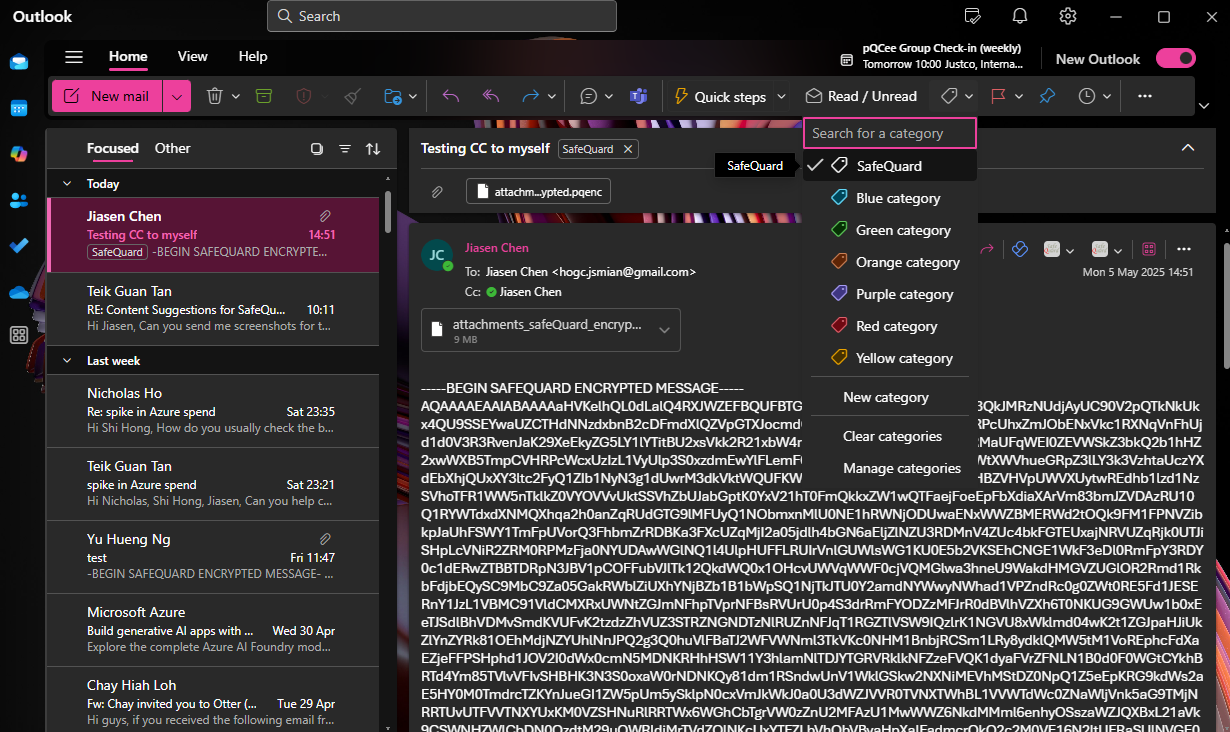
6.1.7.1. Add Outlook Category
Create a category in your Outlook account named “SafeQuard” and assign it to the emails you want to decrypt in the WebApp.